

Sieve learns which frames you star.

Your stars in Lightroom Classic teach Sieve, a new shoot arrives with its best frames already picked, and everything stays on your Mac.

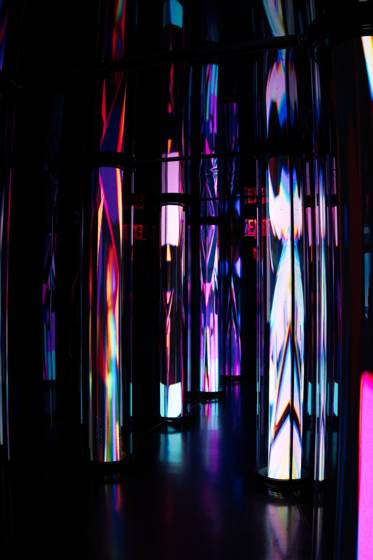
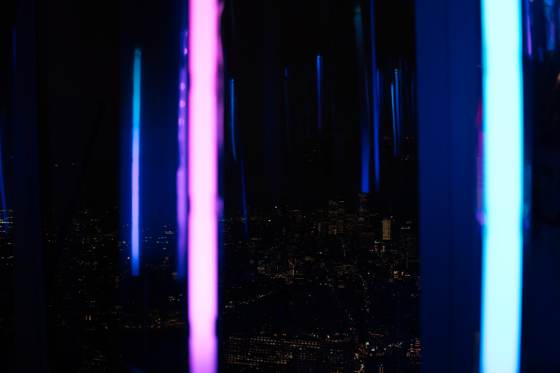
A staircase between mirrored walls hung with columns of blue and violet light, New York at night.
_DSC5639 · New York, 3 September

This is what a pick looks like.

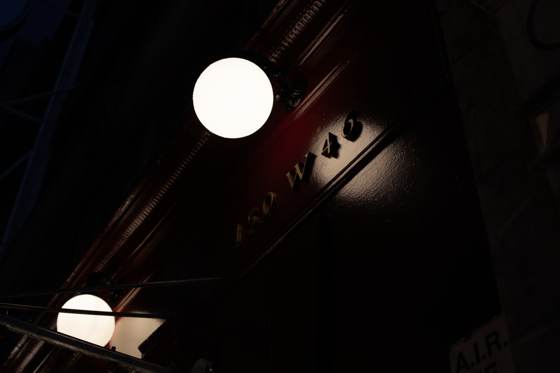
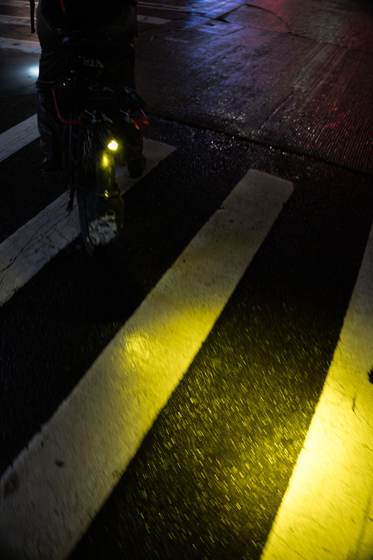
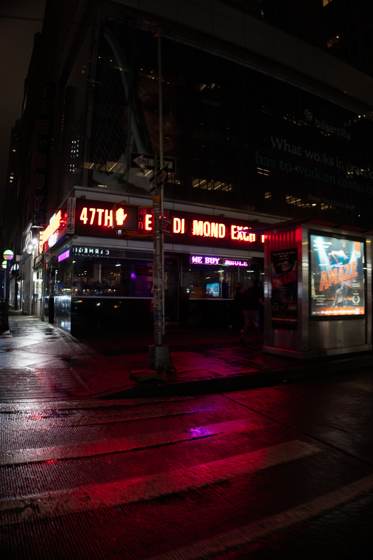
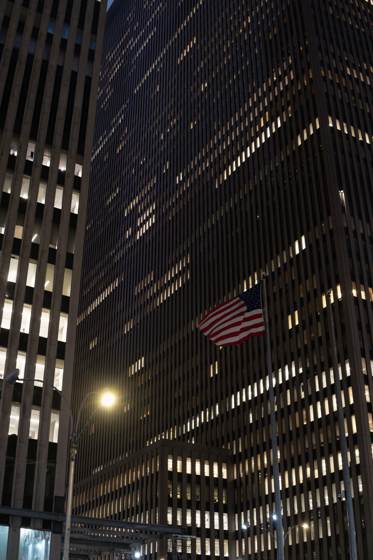
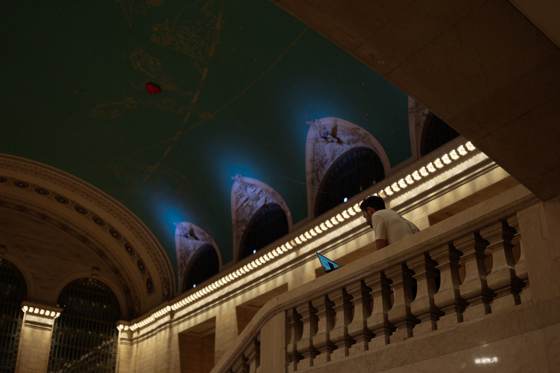
Seven frames from one night. Three came up under the light with a strip of tape along the top edge. The other four stayed in the box below, in capture order, still there and still yours to open.

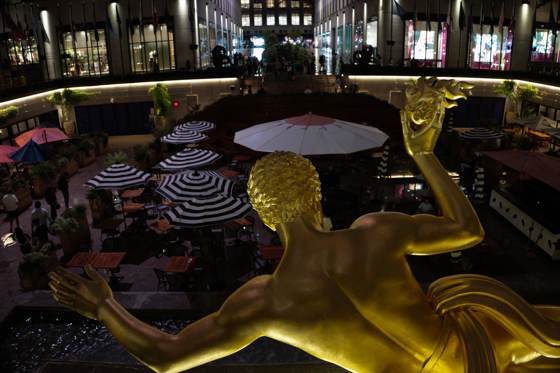
  1. The gilded Prometheus figure above the sunken plaza at Rockefeller Center.
    _DSC5495
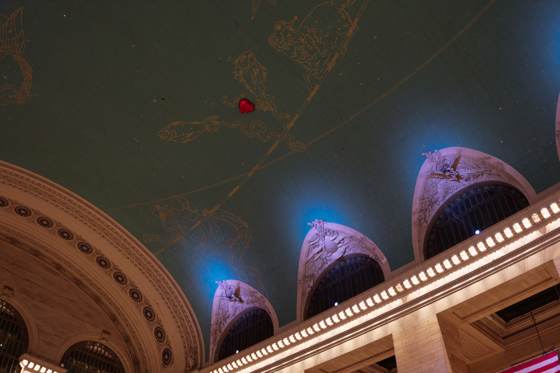
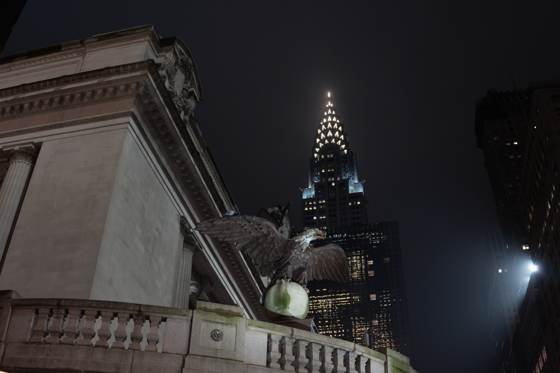
  2. A stone eagle on the Grand Central cornice with the lit Chrysler Building crown behind it.
    _DSC5547
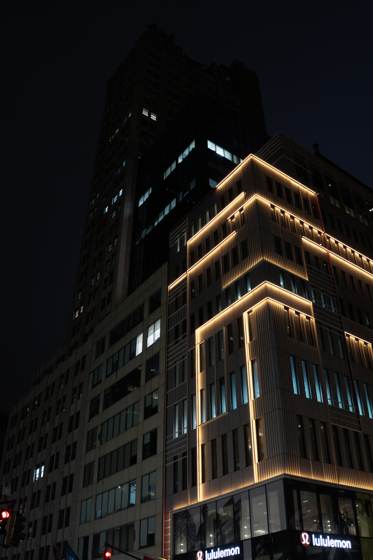
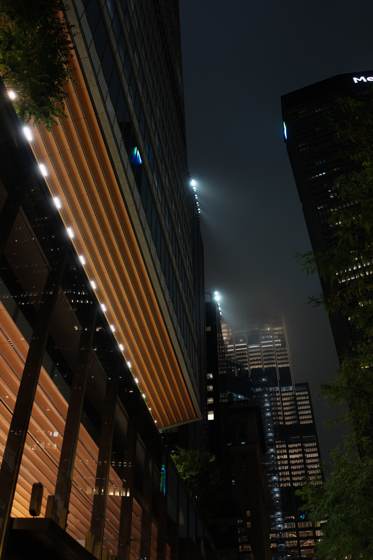
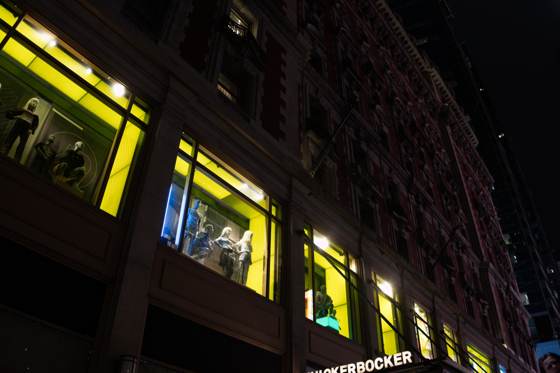
  3. Acid yellow shop windows raking up a dark stone facade.
    _DSC5571
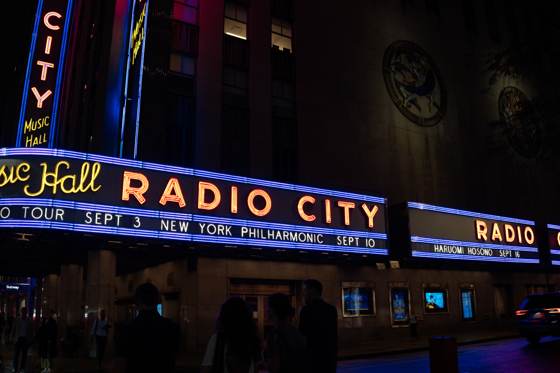
  1. The Radio City Music Hall marquee in blue and orange neon.
    _DSC5490
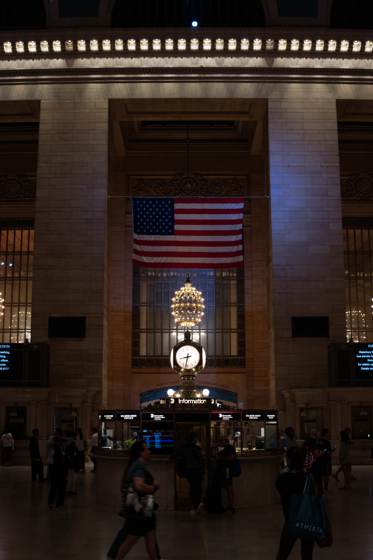
  2. The main concourse of Grand Central Terminal, flag and clock under warm light.
    _DSC5536
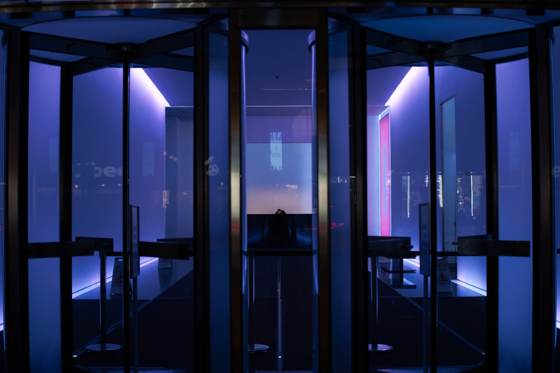
  3. A revolving door lit from within by violet and blue tubes.
    _DSC5549
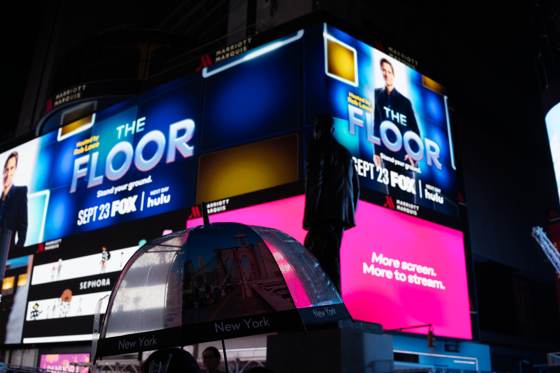
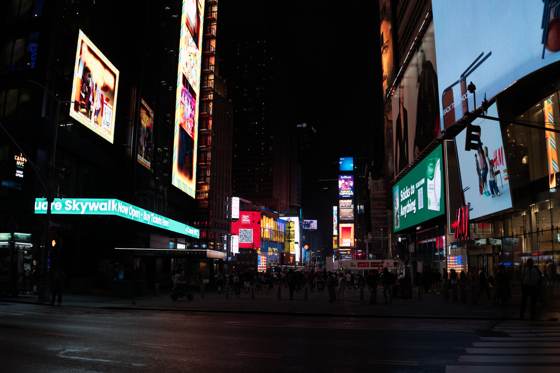
  4. Times Square screens above an empty wet crossing.
    _DSC5574

How it works

  1. Point it at your photos

    Sieve finds your Adobe Photoshop Lightroom Classic catalog on its own, or you hand it a folder of originals. It reads names, capture dates, and the stars and rejects you have already given. It writes nothing back until you ask it to.

  2. Sieve learns from your stars

    Every frame you have rated is a label. Sieve renders your originals the way the camera profile intends, measures each one with a vision model that runs on your Mac, and fits a small model on your marks. Press Learn again whenever you have rated more.

  3. New shoots arrive picked

    Open a set you have never looked at and the frames Sieve believes you would star are already under the light, bursts collapsed, the rest in capture order below. With the plug-in installed, the picks show up in Lightroom Classic as a collection.

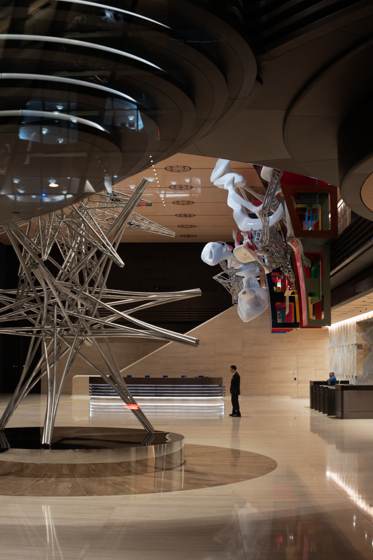
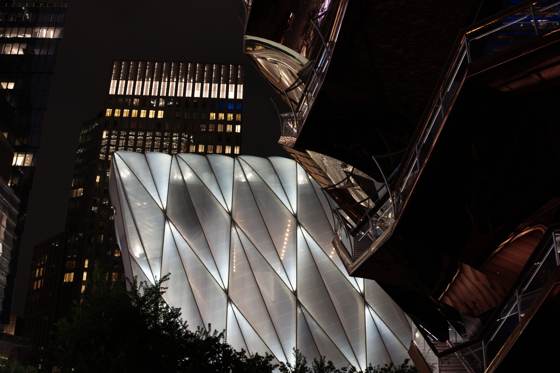
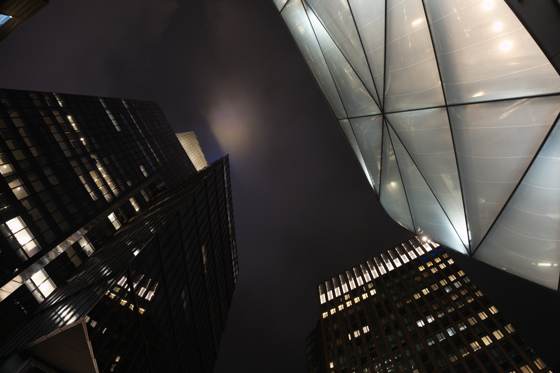
The green and gold constellation ceiling of Grand Central above lit arches. Hundreds of glowing spheres in cyan and red hanging in a dark hall. Midtown from above at night, an amber lit rooftop in the foreground. The faceted white shell of the Shed against dark towers. Bands of cyan and orange light running up a dark curved wall. Two figures under a canopy of iridescent pink and blue crystal panels.

Sieve reads your originals and leaves them exactly as they are.

Before you sign up

Price
Planned as a one-time purchase with a year of updates. The number is not set yet, and the waitlist is free.
Mac only
macOS 14 or later, Apple silicon. No Windows and no Intel build.
Editors
Lightroom Classic today, through a plug-in. Your marks also reach Capture One, Bridge, darktable and Photo Mechanic as XMP sidecars.
What it needs from you
Photos you have already rated. Below about 300 rated frames there is nothing personal to learn, and Sieve says so instead of guessing.
Off the network
No account and no upload. The app makes two kinds of connection: the one-time model download and an update check.
What it is not
Not a culler. It does not read faces, closed eyes or focus. It ranks by the taste your own stars describe.

Join the waitlist.

Sieve is in development. No account, no charge.